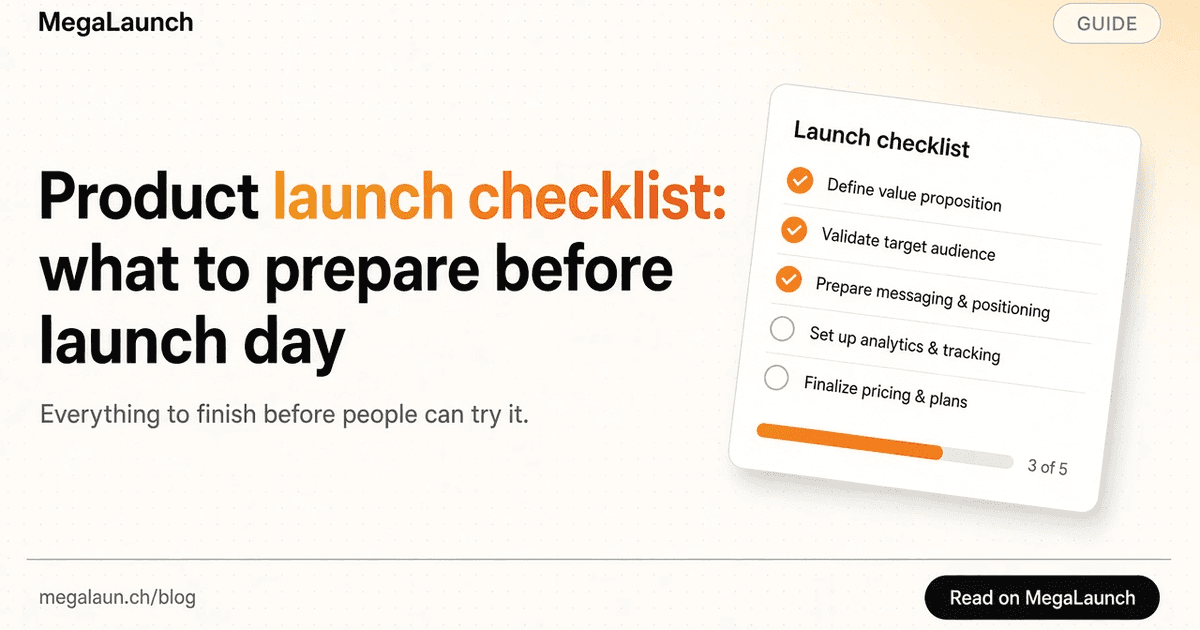
Product launch checklist: what to prepare before launch day
This product launch checklist covers the work that makes a launch useful: a promise people understand, a product they can try, a day you can staff and a follow-up that keeps your listing accurate. It has 32 steps in four phases, from four weeks before launch day to the week after. Tick them as you go.

In this guide5
Four weeks before: the promise and the first five minutes
Most launch problems are visible a month ahead: a promise nobody understands, a sign-up that breaks, or no way to tell whether visitors found value. Fix those first, because everything later depends on them.
Write down the person you want to help and the task they are trying to complete. A small software team sharing release notes has a different problem from a designer collecting client approvals. A specific audience makes the page easier to write and the first conversation easier to start.
Say what the product does, for whom, and what becomes easier. “A shared changelog for small software teams” tells a visitor more than “The future of collaboration.” Read your sentence to someone who has never seen the project and ask what they think it does. If their answer differs from yours, rewrite it before anything else.
Open the product in a private window, sign up with an ordinary account and complete the first useful action, once on a phone and once on a desktop. Check the website link, pricing and sign-in on the way. A launch is a poor moment to discover that only your own account reaches the main feature.
If the product needs data, provide a sample or say what to bring. If it needs a payment card before the first result, say so on the page. Note the moment someone sees a result rather than an empty dashboard: your screenshots should show that moment.
Pick an event closer to the purpose of the product than a sign-up, such as a first export or a first published page, and check that your analytics records it. The guide to measuring traffic from directory listings explains how to keep that definition stable.
Give each page a specific title and description, keep one canonical URL and remove any noindex rule left over from development. Preview how the title and description read in search results with the free SERP simulator.
Pick destinations by the audience you need, not by the length of a list. Compare launch platforms in Product Hunt alternatives, places for a pre-launch or beta product in BetaList alternatives, small indie launch sites in TinyLaunch alternatives, AI tool directories in There’s An AI For That alternatives, and software directories in where to submit your SaaS.
Before anything goes live, record recent visits, sign-ups and the activation event you chose, with the date. Without a baseline, the launch week will be judged from memory.
Two weeks before: the listing, the visuals and the announcement
With the product ready to try, prepare the materials every platform will ask for. Write them once, in one document, then adapt them to each destination.
Keep the product name, website URL, one-sentence description, longer description, pricing model, support contact and screenshots in one document. Every listing starts from it, so the facts stay consistent everywhere.
On MegaLaunch the tagline is limited to 100 characters and the description runs from 40 to 10,000 characters. Say who the product is for, what someone can do with it today and what they need to start. The free tagline generator drafts tagline options from those three answers; check the one you keep and the description with the free headline and tagline analyzer.
A 1200 × 630 image works well as a cover and as a social preview. On MegaLaunch, upload a PNG, JPEG or WebP under 5 MB. Choose an icon that stays recognizable at small sizes.
Show the interface performing the task you promised. Remove personal data, and never imply a capability that is still only planned. Website metadata can prefill a listing, but read the imported name, pitch and image before you submit.
A short video of one complete task answers more questions than a feature list. MegaLaunch listings accept a YouTube or Vimeo launch video next to the screenshots.
Say whether the product is free, freemium or paid, and name requirements such as a desktop browser, an invitation or a card for the trial. A surprise after the click costs you the visitor.
Follow the outline and the email template in how to write a product launch announcement: the task, why you built it, one example, the access conditions and one link.
List what a first-time visitor will ask, such as price, data handling and supported platforms, and answer it on your own page. The free FAQ schema generator turns those answers into FAQPage markup you can paste.
Give each platform, email and post its own campaign link so you can tell them apart later. The free UTM builder makes one link per destination, in bulk if you need it.
A Free listing goes live automatically 48 hours after you submit it, once your link back to MegaLaunch has been checked, so submit at least 48 hours before your launch day. Premium is a one-time $4.99: it goes live as soon as payment is confirmed, needs no link back and adds a highlighted card in Premium launches today on your launch day. Compare both plans.
Launch week and launch day: be there for the conversation
A launch is a day of conversations. Plan the hours you will be available, then spend them answering people rather than refreshing a dashboard.
Choose a day when you can stay online for several hours. On MegaLaunch a launch day runs from 00:00 to 24:00 UTC and the daily Top 3 closes at midnight UTC. The free launch time planner shows that day in your time zone and in your audience’s.
Reserve the first hours of the day for comments and messages. If you work with others, split the day in shifts so that a question never waits long.
Send the launch email to your list and beta testers and post to your followers, with one clear action: try the product and say where you got stuck.
Formats differ. Show HN, for example, is for something people can try, rules out landing pages and asks makers not to ask friends to upvote (Show HN guidelines, checked October 2026). Never buy or trade votes. On MegaLaunch, votes are one per person and paid options never change rankings; MegaLaunch vs Product Hunt sets the voting rules of both side by side.
Open every published listing while signed out. Click the website link, look at the images on a phone and confirm that your campaign parameters survived.
Answer honestly, including what is not ready yet. Ask what people were trying to do, where they hesitated and whether they reached a result: concrete questions get more useful answers than a request for a rating. A question that comes back three times points to the sentence or the screen to change.
Read sign-ups and your activation event beside the visits. A few people reaching the result can matter more than a spike that leaves after one page.
The week after: improve, then expand
Your listing stays online after launch day. The week after is when you turn questions into fixes and decide, with evidence, what to do next.
Change the explanation, the screenshot or the onboarding step that caused the most questions before you send more people to the page.
Bring screenshots, pricing and descriptions up to date, starting with the listings that sent visitors. An accurate listing keeps working long after launch day.
Link each badge to the result it records. Every MegaLaunch listing gets a Featured on MegaLaunch badge that links to your product page.
Add a few directories at a time and record the date, status and listing URL of each submission. Where to submit your SaaS explains how to choose them. If you would rather hand over the forms, our directory submission service submits your product by hand and sends a report for every directory, and the GetMoreBacklinks alternatives compare it with other services.
For each destination, compare visits, sign-ups, the activation event and what you spent over the same window. Keep what works, fix what has a clear problem and stop what no longer justifies another try.
When the visitors who arrive can reach the result, a placement can bring more of them. Read how Spotlight and the Billboard work and what a first-time maker should pay for before you buy. On some platforms the paid tier mostly buys time: MegaLaunch vs LaunchIt compares a free queue with a paid launch date.
Reply to the people who tried the product, gave feedback or shared it, and tell them what you changed because of them. They are often the first to try your next release.
Frequently asked questions
What should a product launch checklist include?
The steps that make a launch useful: a clear promise, a product people can try in five minutes, honest visuals, an announcement, tagged links, a launch day you can staff and a week afterwards to fix what confused people. This checklist groups 32 of them in four phases.
How far in advance should I prepare a product launch?
Starting about four weeks ahead leaves time to fix the product before polishing the announcement. That is a planning choice, not a rule: a small update can launch sooner when the promise, the page and the first five minutes already work.
When should I submit my product to MegaLaunch?
A Free listing goes live automatically 48 hours after submission, once your link back to MegaLaunch has been checked, so submit at least 48 hours before the day you want. Premium ($4.99 one-time) goes live as soon as payment is confirmed.
Do I need to launch on Product Hunt?
No. Product Hunt is one option among many. Launch where your audience already looks: the comparison of Product Hunt alternatives lists free options, prices and queues, each with its source and check date.
What should I do after launch day?
Fix the most repeated confusion, update your listings and add the badges you earned. Then submit to the next destinations in small waves, and review the numbers before you pay for more visibility.
Free tools mentioned in this guide
- SERP SimulatorCheck your page title and meta description length, with a search-style snippet and a social card preview.
- Tagline GeneratorTagline ideas from your product, audience and benefit, with live counters for X, Product Hunt and the App Store.
- Headline and Tagline AnalyzerPaste a headline, tagline or description and see characters, words and vague wording against your own targets.
- FAQ Schema GeneratorTurn your questions and answers into FAQPage JSON-LD you can paste into your page.
- UTM BuilderAdd UTM parameters to any link, one at a time or one per directory in bulk, with a clean lowercase convention.
- Launch Time PlannerSee when the Product Hunt or MegaLaunch launch day starts in your time zone, across five zones, with a countdown.
 @matthias_mrc
Put it into practice. Launch your product.
A permanent page, a followed link to your site, and makers who vote for what they like.
- Free with a link back to MegaLaunch
- Premium: $4.99 excl. VAT, one-time, no backlink needed
Done for you
We submit your product to 100+ dofollow directories.
By hand, with a report for every directory. No badge needed on your site.


From$99excl. VAT, one-time
See the plans