How to launch your product on MegaLaunch
From importing your website to publishing your product page, free with a link back or Premium.

In this guide5
Start with the kind of launch you want
Open Launch your product and choose a plan. The Free plan gives you a permanent product page with a link to your website. It requires a link back to MegaLaunch (a backlink or our badge) and goes live automatically 48 hours after your submission, once that link has been checked. Premium is a one-time $4.99 payment: your page publishes automatically once the payment is confirmed, with no backlink required.
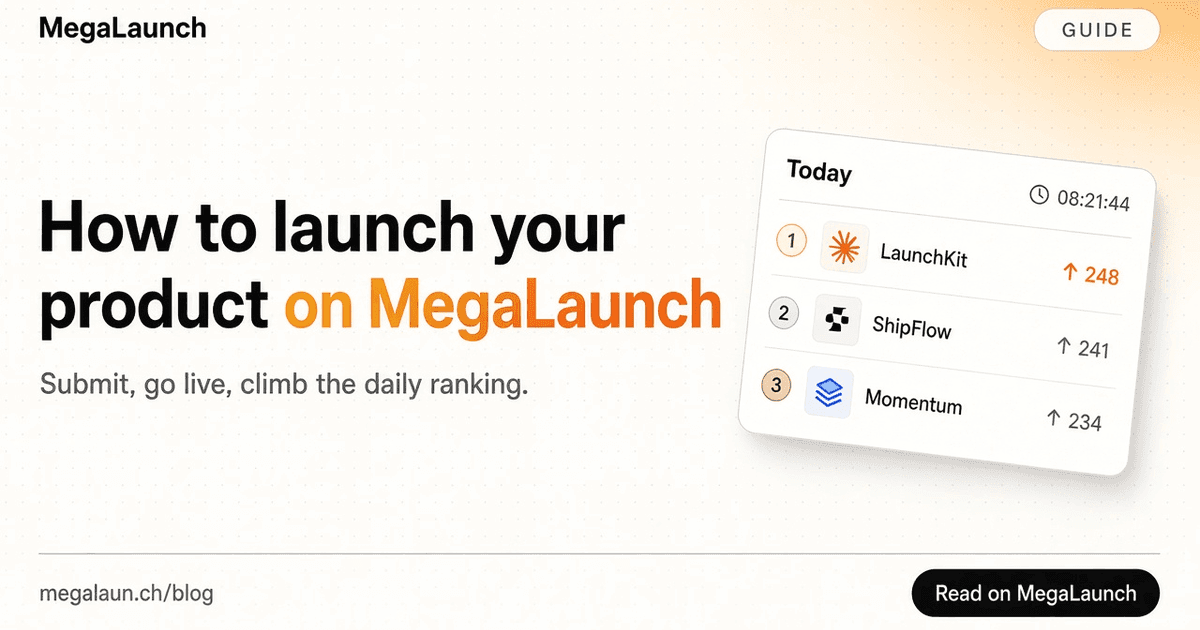
Your product page is your launch. From its publication day, people can upvote it, and the leaderboard ranks it with the other products published the same day, week and month. One vote per person, and paid options never change the ranking.
Import the details, then make them yours
Paste your public website URL and select Auto-fill. MegaLaunch reads the page title, description, social preview images and compatible icons. It fills empty fields without replacing text you have already written. If you want to use the imported copy instead, choose the explicit replace option.
Check the product name and one-line pitch separately. A page title can contain extra keywords or the site name twice. Your pitch has a maximum of 100 characters. The longer story must contain between 40 and 10,000 characters. Explain who the product helps, what they can do with it today and what they need to get started. The free listing copy checker counts both against your own targets. Select the category yourself; the form does not assume one.
Choose images that represent the actual product
Choose one of the detected social previews or upload your own PNG, JPEG or WebP cover under 5 MB. A 1200 × 630 image works well as a social preview. You can also paste the public URL of another cover. The selected cover is separate from the smaller product icon shown next to your name.
A real screenshot usually gives a visitor more information than a slogan on a blank background. Remove private account details before uploading. If the website has no compatible favicon, you can upload a logo from the dashboard after the product is saved.
Review and publish
You can keep the Free plan or choose Premium for presentation and automatic publication after payment. The final summary shows the selected plan before submission. Premium payment happens through Dodo Payments after the submission is saved.
Sign in to save your product. Free listings go live automatically 48 hours after your submission, once we have checked your link back to MegaLaunch. Premium listings go live as soon as payment is confirmed. Listings remain subject to ongoing moderation. Follow the product in your dashboard, then check its public page, website link and images. A launch offer, when available, appears on pricing and is applied automatically at checkout. Paying does not add votes or change the leaderboard.
Frequently asked questions
How long does a free listing take to go live?
A Free listing goes live automatically 48 hours after your submission, once we have checked your link back to MegaLaunch. Submit at least 48 hours before the day you want to launch.
When does a Premium listing go live?
As soon as the $4.99 payment is confirmed. Premium needs no link back, and it appears in Premium launches today on its launch day (UTC).
Which time zone does the launch day use?
UTC. A launch day runs from 00:00 to 24:00 UTC, and the daily Top 3 closes at midnight UTC. The free launch time planner shows that day in your own time zone.
 @matthias_mrc
Put it into practice. Launch your product.
A permanent page, a followed link to your site, and makers who vote for what they like.
- Free with a link back to MegaLaunch
- Premium: $4.99 one-time, no backlink needed
Done for you
We submit your product to 100+ dofollow directories.
By hand, with a report for every directory. No badge needed on your site.


From$99one-time
See the plans