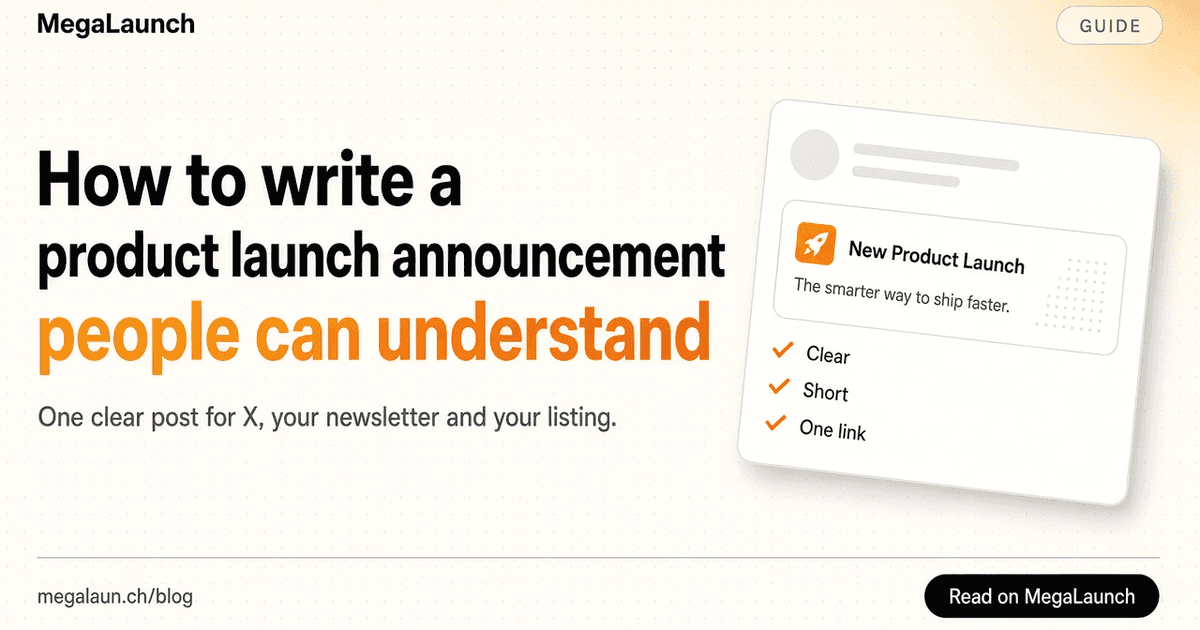
How to write a product launch announcement people can understand
Build a clear launch announcement around a specific problem, a real product example and one next step. Includes an outline and a launch email template.

In this article7
Start with the task, not the celebration
You have spent weeks building. A reader is meeting the product for the first time. Give that reader an immediate reason to understand it: the task they can complete and the situation in which it is useful. The announcement can still sound excited, but excitement works better after the basic promise is clear.
For example, a recording tool could begin with: “Turn a short screen recording into a polished product demo.” That explains more than a claim about changing the future of communication. Follow with the audience, such as independent makers preparing a launch, and one concrete detail about the result. This is an illustrative example, not a claim about a particular product.
Show one complete example
Choose a screenshot or short recording that demonstrates a real task from start to useful result. A visitor should be able to connect the example to the opening sentence. If the product turns rough notes into a proposal, show the starting notes and the proposal rather than a settings screen.
Remove personal information and use a realistic sample. Make limitations visible where they affect the experience. If the feature needs a desktop browser, a paid account or an integration, say so near the example. A smaller promise that the product delivers is easier for a new user to evaluate than a long list of future capabilities.
Use a short outline you can fill in
Opening: “I built [product] to help [specific audience] do [specific task].” Context: “I kept running into [problem], so I tried [approach].” Evidence: “Here is a real example of [result].” Availability: “You can try [what is available today], with [relevant price or access condition].” Next step: “Try it here and tell me where you get stuck: [link].”
Write the rough version with those placeholders, then remove the scaffolding. Keep the details that make your experience recognisable. You do not need to turn every sentence into a punchline. One clear action is enough: try the demo, visit the product page or answer a specific question. If the opening sentence will not come, the free tagline generator drafts options from the audience, the task and the benefit you wrote down. Paste the result into the free headline and tagline analyzer to spot vague words and lengths that run over your limits.
Turn the outline into a launch email
Your email list, beta testers and the people who asked to hear about the launch deserve the first message. The same outline works as a product launch email: a subject line that names the product and the task, a short personal opening, one example, the access conditions and one link. Send it from your own address so replies reach you.
Fill in the template below, then cut anything that does not help the reader decide whether to try the product. Tag the link with the free UTM builder so the visits from this email show up as their own source.
Subject: [Product] is live: [specific task] for [audience]

Hi [first name],

I built [product] to help [audience] [do the task].
I kept running into [problem], so I tried [approach].

Here is what it does today: [one concrete example, with a screenshot or a short video].

[Access and price: free plan, trial or price, and any requirement such as a desktop browser.]

Try it here: [link]

If you get stuck, reply to this email and tell me where. I read every answer.

[Your name]- Subject line: the product name and the task, not “Big news”.
- Opening: why you built it, in one or two sentences.
- Example: one result a reader can picture, with an image or a short video.
- Access: what is free, what is paid and what someone needs to start.
- One link and one question that is easy to answer.
Adapt the same story to your product page
A social post needs a quick opening. A product page has room to answer follow-up questions: who the product is for, what someone needs to start, how much it costs and what is available today. Keep the name, core promise and example consistent across the two places.
On MegaLaunch, use the tagline for the short promise and the description for the practical details. The first comment can explain why you built the product and invite a focused conversation. An example question is “Which part of the setup would stop you trying this?” That is easier to answer than a broad request for feedback.
Plan the conversation after the post
Choose a realistic reply window with the best time to post planner. It compares your availability with one audience time zone on the selected date, including daylight saving changes. Its suggestions are scheduling overlaps, not claims about platform algorithms. Tag the post separately from your directory listing and compare useful conversations over the same reporting window.
Leave time to reply when the announcement goes out. Record repeated questions and the words people use to describe the problem. If several readers misunderstand the same point, change the explanation or screenshot before adding more promotional posts.
Invite people to try the product and vote honestly if they find it useful. Avoid trading or buying votes. Platforms word their voting rules differently, so read them before launch day: MegaLaunch vs Product Hunt sets both rule books side by side. A daily result gives you a moment to celebrate, but the more useful long-term outcome is learning which people need the product and whether they can reach the result you promised. Update the listing as the product improves.
Frequently asked questions
What should a product launch email include?
A subject line with the product name and the task, one or two sentences on why you built it, one concrete example, the access conditions and price, and a single link. End with a question that is easy to answer, such as where the reader got stuck.
Where should I publish a launch announcement first?
Start with the people who already know you: your email list, beta testers and followers. Then post on the launch platforms that fit your audience. Keep the name, promise and example identical everywhere so people recognise the product.
Can I ask people to upvote my launch?
On MegaLaunch, invite people to try the product and vote if they find it useful, without buying or trading votes. Other communities may prohibit vote requests altogether: read their own submission rules before adapting your announcement. MegaLaunch allows one vote per person, and paid options never change rankings.
Free tools mentioned in this article
- Tagline GeneratorTagline ideas from your product, audience and benefit, with live counters for X, Product Hunt and the App Store.
- Headline and Tagline AnalyzerPaste a headline, tagline or description and see characters, words and vague wording against your own targets.
- UTM BuilderAdd UTM parameters to any link, one at a time or one per directory in bulk, with a clean lowercase convention.
- Best Time to Post PlannerFind 30-minute windows when you and your audience are available, with daylight saving handled.
 @matthias_mrc
Put it into practice. Launch your product.
A permanent page, a followed link to your site, and makers who vote for what they like.
- Free with a link back to MegaLaunch
- Premium: $4.99 excl. VAT, one-time, no backlink needed
Done for you
We submit your product to 100+ dofollow directories.
By hand, with a report for every directory. No badge needed on your site.


From$99excl. VAT, one-time
See the plans