MRR calculator: how to calculate monthly recurring revenue
How to calculate MRR for a SaaS: the formula, what to include and exclude, MRR movements (new, expansion, contraction, churn), growth rate and a simple spreadsheet MRR calculator.


Monthly recurring revenue (MRR) is the predictable revenue your subscriptions bring in every month. It is the number most SaaS founders check first, because it shows whether the business is growing, standing still or shrinking. This guide explains the MRR formula, what to include and leave out, how to split MRR into movements and how to build a simple MRR calculator in a spreadsheet.
In this article10
What MRR is
MRR is the normalized monthly value of all active, paying subscriptions at a point in time. It belongs to the subscription business model: customers pay on a schedule, so you can measure the value of the contracts you hold today instead of waiting for cash to arrive.
MRR is not the same as revenue in your accounts. Revenue follows accounting rules and includes one-off payments. MRR is an operating metric: it only counts the recurring part, and it counts an annual plan as one twelfth per month even if the customer paid upfront.
The MRR formula
The simplest version:
MRR = number of paying customers × average revenue per customer per month
With several plans, add up each plan:
MRR = Σ (customers on the plan × monthly price of the plan)
Annual and quarterly plans are converted to a monthly value first: divide the annual price by 12, the quarterly price by 3.
Example
| Plan | Customers | Billed | Monthly value | MRR |
|---|---|---|---|---|
| Starter | 120 | $29 / month | $29 | $3,480 |
| Pro (annual) | 15 | $990 / year | $82.50 | $1,237.50 |
| Total | 135 | $4,717.50 |
What to include and what to leave out
Include:
- Active paid subscriptions, at the price the customer actually pays after discounts.
- Annual, quarterly and multi-year plans, normalized to one month.
- Recurring add-ons such as extra seats or usage tiers billed every month.
Leave out:
- Setup fees, consulting, one-off purchases and lifetime deals. They bring cash but do not recur.
- Free trials and free plans. A trial becomes MRR when the first payment succeeds.
- Taxes such as VAT, which you collect for the government.
- Metered usage that varies wildly, unless you track it separately as "usage revenue".
Pick a rule for customers with failed payments (for example, remove them after the last retry fails) and apply it every month.
MRR movements: where the change comes from
Total MRR hides what is really happening. Split the change between two dates into five movements:
- New MRR: first-time paying customers.
- Expansion MRR: upgrades, extra seats, add-ons from existing customers.
- Contraction MRR: downgrades and removed seats.
- Churned MRR: customers who cancelled or stopped paying.
- Reactivation MRR: former customers who came back.
Net new MRR = new + expansion + reactivation − contraction − churned
Example month
| Movement | Amount |
|---|---|
| MRR at start of month | $4,000 |
| New | +$600 |
| Expansion | +$150 |
| Contraction | −$50 |
| Churned | −$200 |
| MRR at end of month | $4,500 |
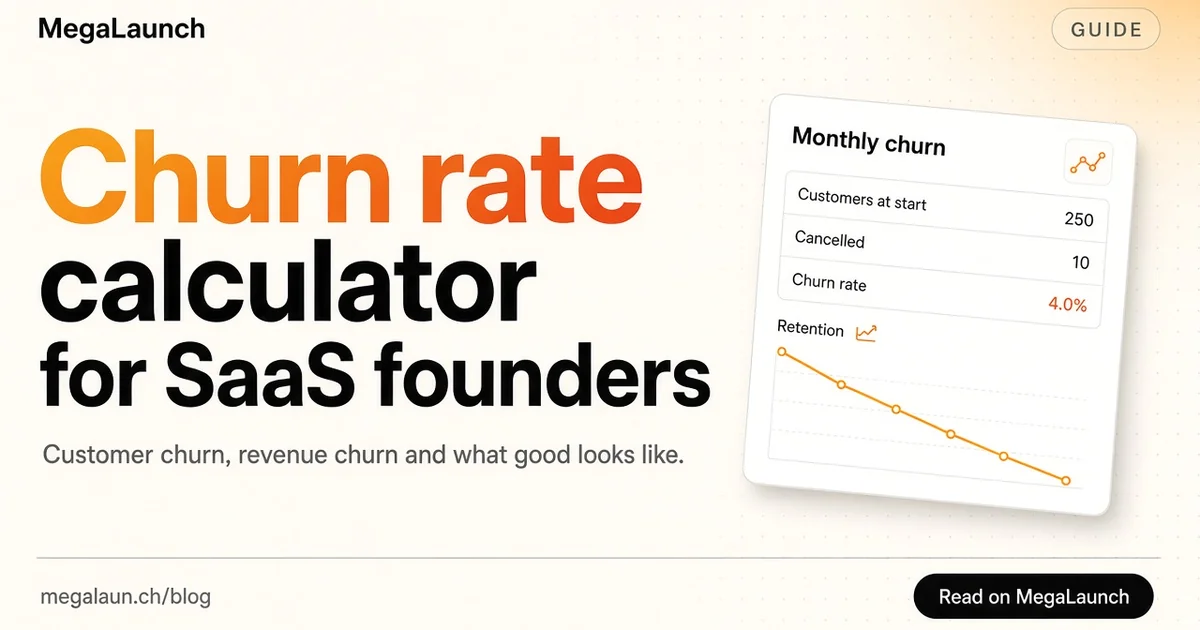
Net new MRR is $500 and monthly growth is 500 / 4,000 = 12.5%. Churned MRR alone is 5% of starting MRR, which is worth watching: see our churn rate calculator for how to track it.
Build an MRR calculator in a spreadsheet
You do not need a dedicated tool to start. Export subscriptions from your billing system and create one row per subscription with these columns:
- Customer ID
- Plan
- Billing interval (month, quarter, year)
- Price paid per interval, after discounts
- Monthly value = price ÷ months in the interval
- Status (active, past due, cancelled)
- Start date and cancellation date
Then:
- Current MRR = sum of column 5 for active rows.
- New MRR for a month = sum of column 5 for rows whose start date falls in that month and whose customer never paid before.
- Churned MRR = sum of column 5 for rows cancelled in that month.
- Expansion and contraction come from comparing each customer's monthly value with the previous month, so keep one snapshot per month in a separate tab.
Keep the snapshots. After three months you can see trends; after six you can compare cohorts.
MRR growth rate
Monthly growth rate = (MRR this month − MRR last month) ÷ MRR last month
Growth compounds like interest. At 10% a month for 12 months, MRR grows by 1.1^12 ≈ 3.14 times. To compare periods of different length, use the compound annual growth rate formula instead of averaging monthly percentages.
Early on, percentages swing a lot: going from $200 to $400 is 100% growth but only $200 in absolute terms. Look at net new MRR in dollars next to the percentage.
MRR, ARR and other metrics
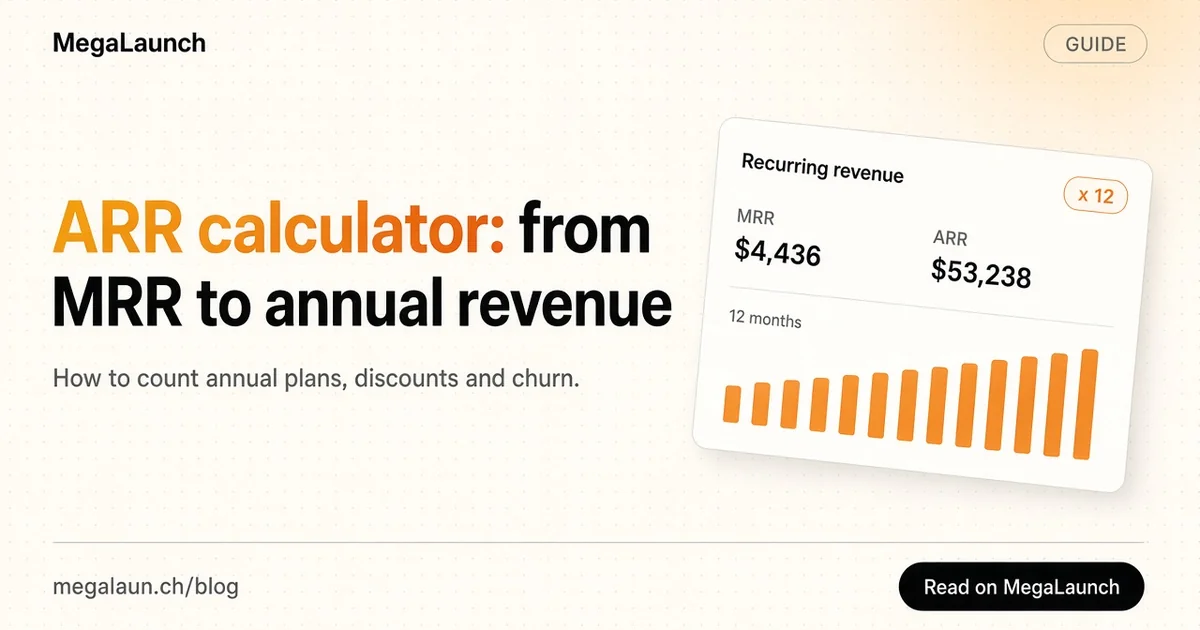
- ARR is MRR × 12 for subscription businesses. Use it when most customers are on annual contracts; our ARR calculator covers it.
- ARPU is MRR divided by paying customers. It tells you if you are moving upmarket.
- LTV estimates the revenue a customer brings over their lifetime, usually ARPU divided by churn rate. See customer lifetime value and our guide to LTV.
Common MRR mistakes
- Counting an annual payment as one month of MRR. It inflates the month it was paid and then disappears.
- Including trials or free users. MRR only counts money you are actually billed.
- Using list price instead of the discounted price. Coupons are real; your MRR should reflect them.
- Ignoring failed payments. Involuntary churn from expired cards can be a big share of lost MRR.
- Changing definitions. If you change a rule, recalculate past months so the chart stays comparable.
What to do with your MRR number
MRR is most useful as a weekly or monthly routine. Check the five movements, ask what caused the biggest one and pick one action: more new MRR usually means more acquisition, more expansion means better upgrade paths, less churn means better onboarding and retention. Many SaaS founders share MRR publicly when they build in public; a launch on MegaLaunch is also a good moment to measure how much new MRR one channel can bring.
Frequently asked questions
How do you calculate MRR?
Add up the monthly value of every active paid subscription. For each plan, multiply the number of customers by the monthly price after discounts, and divide annual prices by 12.
Should annual plans count in MRR?
Yes, but normalized: a $990 annual plan counts as $82.50 of MRR each month, not $990 in the month it was paid.
What is net new MRR?
New MRR plus expansion and reactivation MRR, minus contraction and churned MRR. It shows how much MRR you actually added in the period.
What is the difference between MRR and ARR?
ARR is the annual view of the same recurring revenue, usually MRR multiplied by 12. MRR is better for month-to-month plans and early-stage tracking.
Sources
 @matthias_mrc
Put it into practice. Launch your product.
A permanent page, a followed link to your site, and makers who vote for what they like.
- Free with a link back to MegaLaunch
- Premium: $14.99 one-time, no backlink needed
Done for you
We submit your product to 100+ dofollow directories.
From one brief, with a report for every directory. No badge needed on your site.


From$99one-time
See the plans