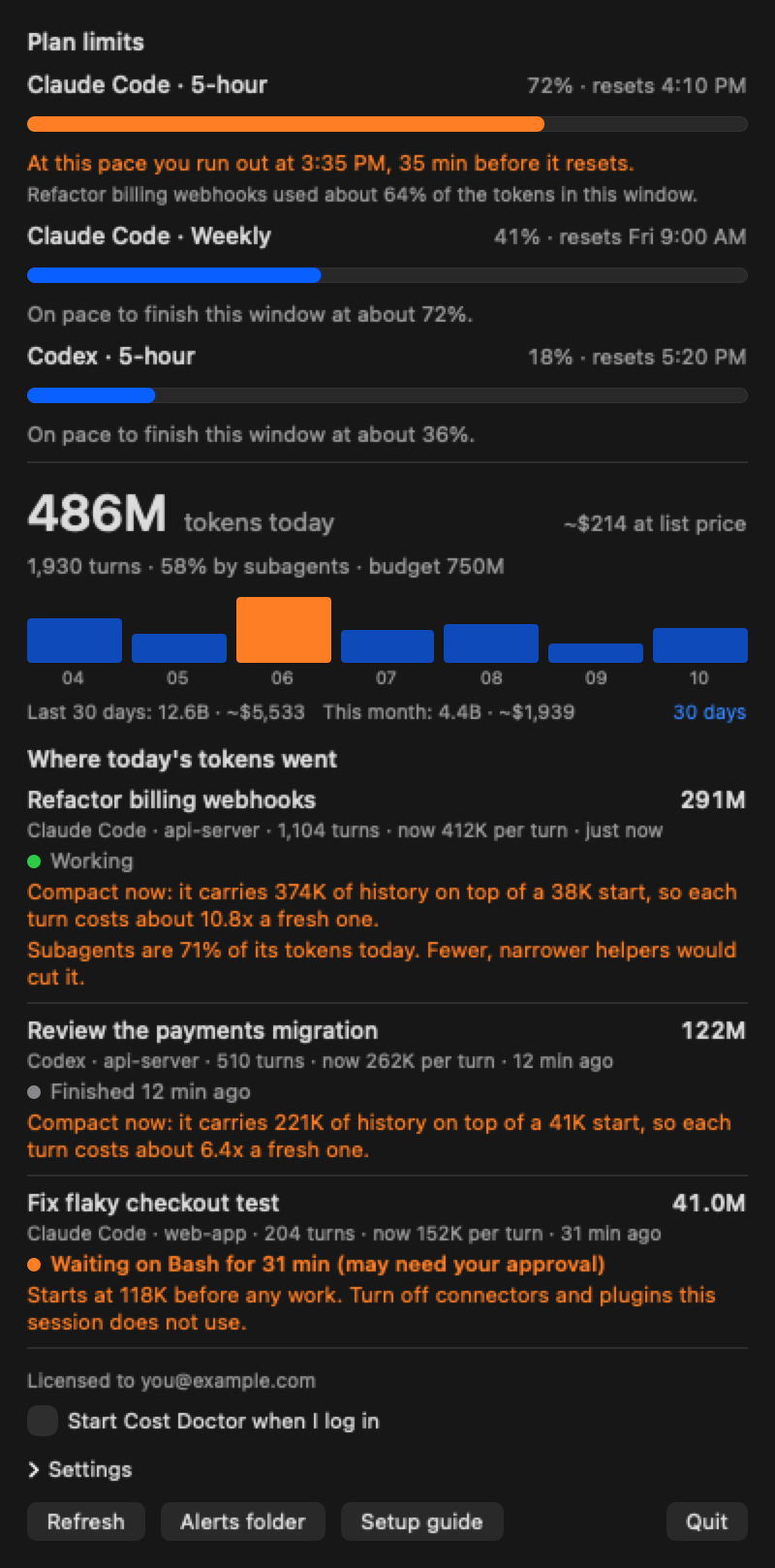

A Mac menu bar app that shows which Claude Code or Codex session is using your tokens, and why.
One-time purchaseDeveloper Tools
Directory submissions, from $99Directory plans, from $99See the plans
Connect ChatGPT and Claude to all your PCs
Hi, I'm Peter, I build Local Commander. I wanted one AI chat to do real work on several computers: my dev PC, a home PC, and servers behind a secure perimeter that can't reach an outside AI themselves. Today I use it to build MCP connectors and to check machines from my phone. Two questions I'd love your answers to: what would you ask your own computers to do, and what would you need to see before you let an AI run commands there? The security page lists what the agent installs, what runs and where it connects: https://localcmd.app/security?utm_source=megalaunch&utm_medium=directory&utm_campaign=first-comment
A Mac menu bar app that shows which Claude Code or Codex session is using your tokens, and why.
Build Reliable Software with AI - From Requirements to Reviewed Code
Amazon product, keyword and market data through APIs, MCP and Agent Skills
Launching a product too? Read how to launch on MegaLaunch, from the free listing to launch day.